
HelpCenter
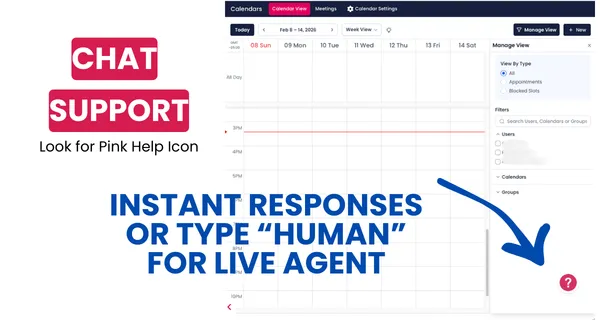
INSTANT SUPPORT IN PLATFORM
Looking for more support? Click on the pink help icon for instant chat support. Just type in "human" at any time if you need more help.
Don't forget about your guided in platform marketing support via our training module: Learn the System.
Click here to sign up for the training system.
Click here to navigate other help categories.
Email Marketing Training
This training explains how to set up and use the email marketing functionality in AgentMoves, focusing on establishing a dedicated sending domain for better deliverability and authenticity.
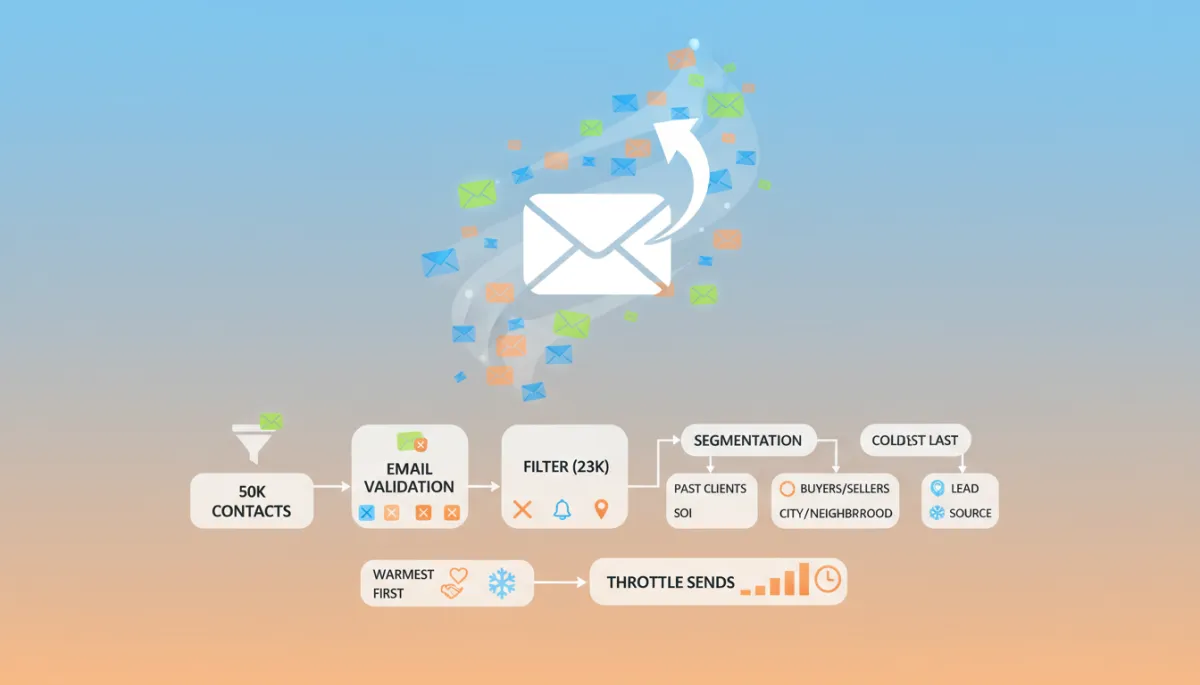
Boost Email Deliverability: Avoid Spam Folders
Learn to protect email deliverability and boost open rates with AgentMoves' proven strategies.
Email Builder: Understanding Advance Conditions for Smart Lists and Tags
Discover how to use advanced conditions for Smart Lists and Tags to keep your campaigns up-to-date. Learn to include new contacts automatically, apply automated tagging, and create dynamic segments for maximum email engagement.

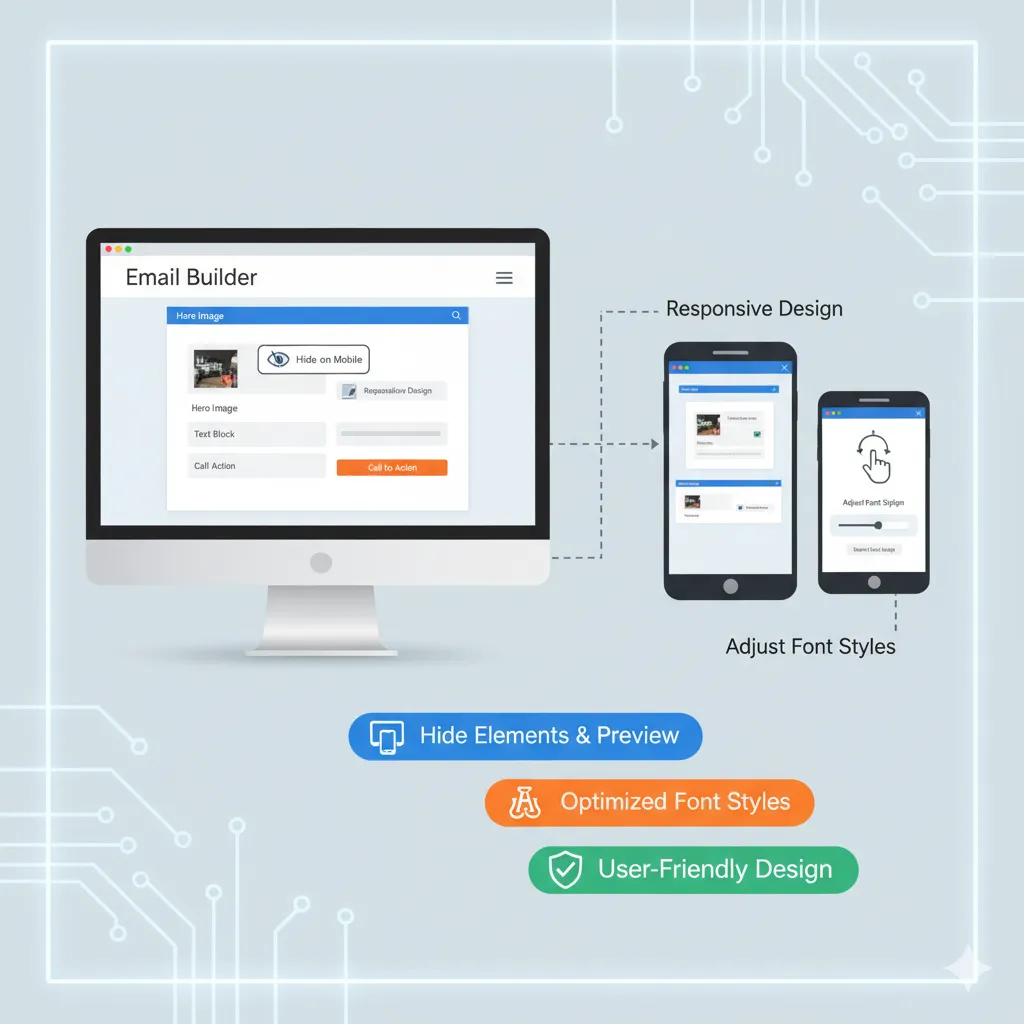
How To Hide Email Elements In The Mobile View Of Your Email Builder
Learn how to optimize emails for mobile using the Email Builder. Hide elements for mobile or desktop, adjust font styles, and preview campaigns across devices to ensure a responsive, user-friendly email design.
Browse our SOPs & Help Guides
















We’re on a mission to bring Fortune 500 marketing power to real estate—so top-producing agents can operate like CEOs, not marketers. With systems that scale, automation that feels personal, and strategy that never sleeps, your marketing runs itself—and your business grows without burnout.
Copyright Searchmoves Inc dba AgentMoves 2026
All Rights Reserved